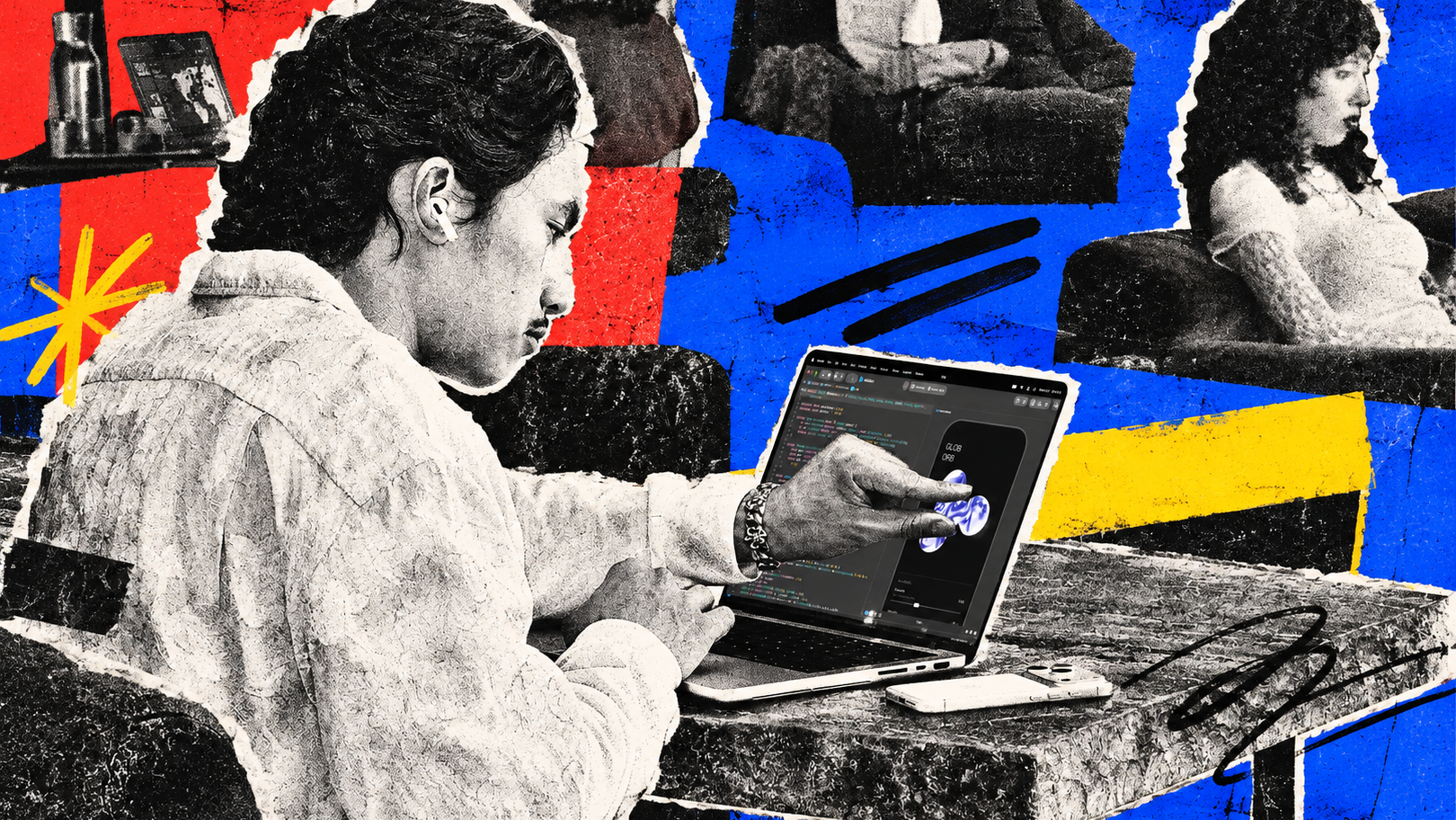



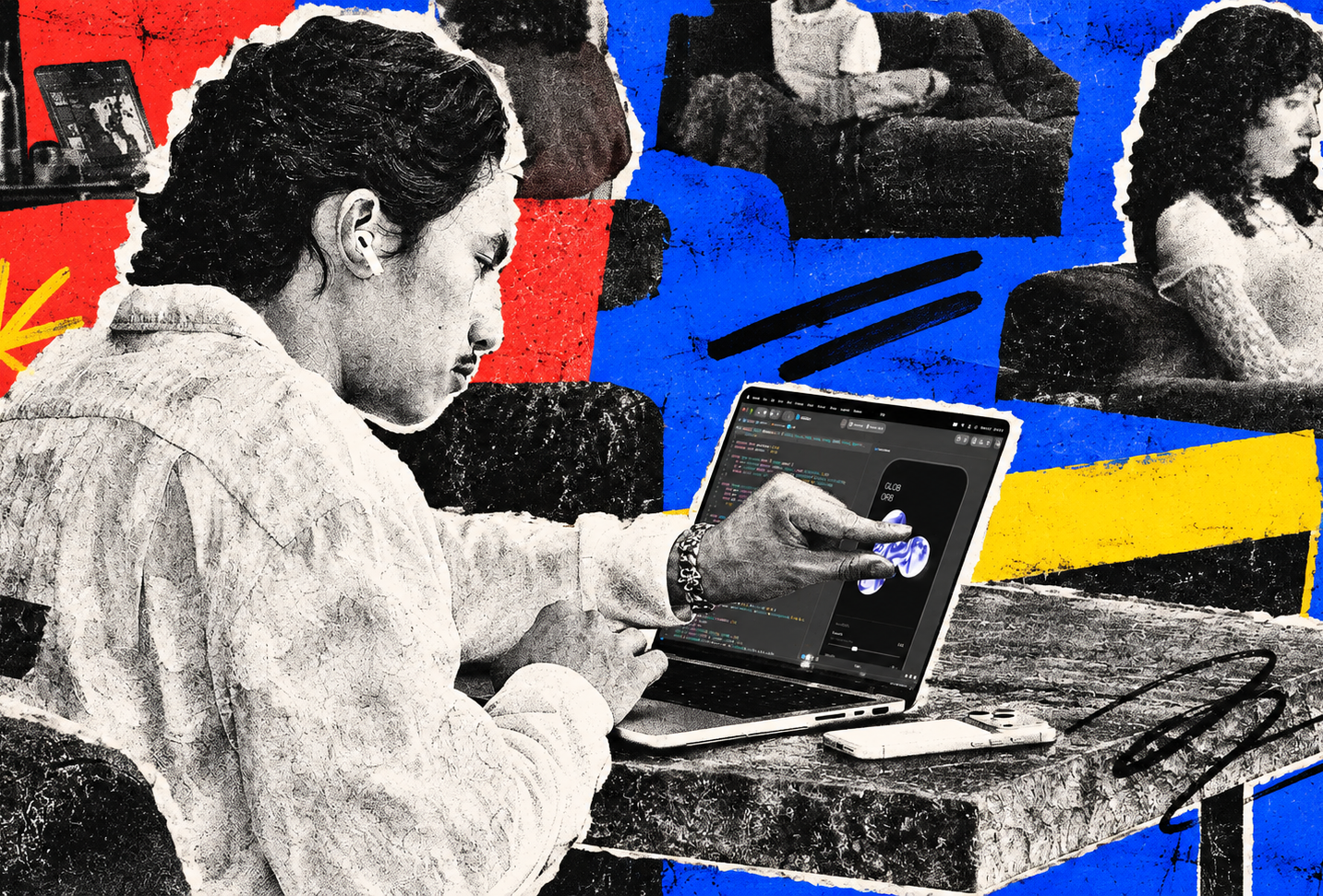
The new OLED MacBook Pro is the best laptop I've ever touched, and I never use the touchscreen.
So if you think of this machine as Apple's first touchscreen Mac, you've got the wrong idea about it. It's more like the next evolution of the world's most popular professional laptop, and being able to control the system from the screen with touch gestures is one of the least interesting things about it.
This is arguably the top laptop money for running high-end AI right now. And while Microsoft, Nvidia, AMD, and others are hustling to power up Windows laptops that can compete, they're still playing catch-up.
I've been testing the 16-inch version MacBook Pro with PROLED XDR for the past couple weeks. The review unit that Apple sent has an M5 Max processor with an 18-core CPU and a 40-core GPU, 128GB of RAM, and 2 TB of storage. This machine would retail for $7,399. A more standard configuration would cost $2,899 for the 14-inch and $3,399 for the 16-inch.
Here are the improvements that I appreciate the most about this machine:
- Nearly everything feels remarkably faster than the 14-inch MacBook Pro with M3 Max and 64GB RAM (a very powerful machine) that I typically use as my daily driver.
- The 16-inch model is noticeably lighter (4.0 lbs compared to 4.7 lbs) and thinner (16.0 mm compared to 16.8mm) compared to recent versions of the 16-inch MacBook Pro.
- The display offers a significant quality-of-life upgrade. It's the first OLED on an Apple laptop, and it's a Tandem OLED with deep blacks, strong and accurate colors, and 2,000 nits of brightness. Where the brightness on this display makes the biggest difference is when using it outside. The standard glossy version of the display also has a new coating (because of the touchscreen) that makes it more fingerprint resistant, which I love.
- The new display also imports the Dynamic Island from the iPhone, which is a nice touch for making Live Activities, music controls, and Siri AI easier to access. It also takes up a lot less space on the menu bar, which is great for power users who have a lot of menu bar items.
- The speakers on this machine also offer crisper sound and deeper bass. If you care about high fidelity sound or want to take advantage of the incredible display to watch movies from a hotel room on the road, for example, then you'll be happy with the fullness of the sound in this upgrade.
And of course, you can run local AI on this machine in a big way, using tools like Ollama, LM Studio Bionic, and a new one I've been interested in lately called Sal from HelloPartner.ai. With these tools you can download models directly to the laptop and run them from unified memory. That includes models from 4B parameters up to 70B parameters or more, depending on how much RAM you have. That's enough to do a lot without burning through your token budget while keeping everything private.
Our Deeper View
Everything about doing work on the MacBook Pro with PROLED XDR is smooth and powerful. I'd call it a refinement of one of the world's most popular business products, but it's a step above that. At first glance, the machine looks the same as previous versions of the MacBook Pro, but I was pleasantly surprised at how much lighter it felt. In fact, in my bag, the 16-inch feels about the same weight as my previous 14-inch, and that's enough to make me confident I could switch to the 16-inch full time. The new OLED display is a joy to use everyday. If you're a developer testing iPhone and iPad apps, the touchscreen is a big benefit. Otherwise, I didn't find many uses for it. The biggest drawback of this machine is the eye-watering price tag. But, if you are an AI builder running advanced workloads then you could certainly make back the price by switching some of your work to local AI, even on the high-dollar configurations. All things considered, this is now the best laptop money can buy for building with AI.